192.168.8.1 Huawei Mobile WiFi Login
192.168.8.1 is the default gateway for Huawei MiFi, pocket WiFi, and 4G/5G routers. Login with password admin to change Wi-Fi settings, check data usage, and view signal strength.
Access your Huawei device:
http://192.168.8.1
Default password: admin (or check device label)
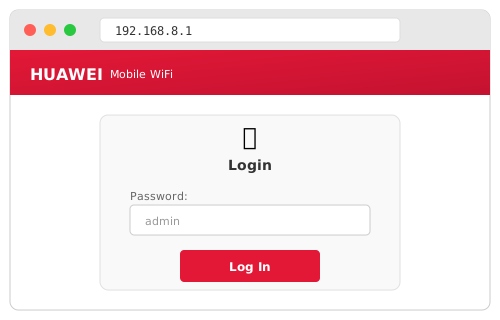
Default Login
| Password |
|---|
| admin |
Some newer models have a custom password on the device label.
Supported Devices
| Model | Type |
|---|---|
| E5573, E5577 | Pocket MiFi |
| B311, B315, B525 | 4G Home Router |
| B818, H122 | 5G CPE Router |
What You Can Change
- Wi-Fi Password — WLAN settings
- Data Usage — Monitor GB used
- Signal Status — 4G/5G strength
- SMS — Send/receive texts
- APN — Carrier settings
Not Working?
| Problem | Solution |
|---|---|
| Page won't load | Connect to Huawei device's Wi-Fi first |
| Wrong password | Check device label or reset (hold 10 sec) |
| No internet | Check SIM card and APN settings |